Setup guides: Mobile proxies · Static residential (ISP) · Residential by the GB
A GB plan is a pool, not a fixed address. You buy traffic, then create as many endpoints as you need, each pointed at a country and a rotation speed, and you pay only for the gigabytes you actually push through. This guide covers the whole flow from the client area.
Before you start: one thing to know
GB plans are served over HTTP/HTTPS. They do not offer SOCKS5, and the protocol cannot be changed after the plan is created. If your tool strictly needs SOCKS5, use our Static Residential (ISP) proxies instead: those support both protocols and let you switch whenever you like.
Almost every tool that speaks SOCKS5 also speaks HTTP, so in practice this is a setting in your software, not a blocker.
What a rotating residential pool is good for
Every address in the pool is a real residential connection, and you get a fresh one as often as you like, in the country you choose. You are not renting an address; you are renting access to millions of them, and paying only for the traffic you move. That fits:
- Crawling and scraping at scale. Each request can leave from a different home IP, so volume looks like many ordinary visitors rather than one machine hammering a site.
- Price and catalogue monitoring. Shops show different prices, stock and offers per country. Point endpoints at each market you sell in and read what local shoppers see.
- SEO and ad verification. Search results and ad placements are localised. A residential exit in the right country shows the real ranking or the real ad, not the version a datacenter IP gets served.
- Checking your own funnel from the outside. Visit your site as a customer in another country would: local currency, local redirects, local page speed.
- Bursty or occasional work. No per-IP subscription to babysit. Buy pay-as-you-go gigabytes, use them over weeks, top up when you need more.
When a static IP is the better tool: anything that must keep the same address, such as a long login session, an account you nurture, or an allowlist entry. That is what our Static Residential (ISP) proxies are for.
Where your plan lives
Sign in, open Proxies in the left menu, then Residential Proxies (GB Plans) and click your plan.
Creating an endpoint
An endpoint is a group of proxies aimed at one country. Create one for every market you work in.
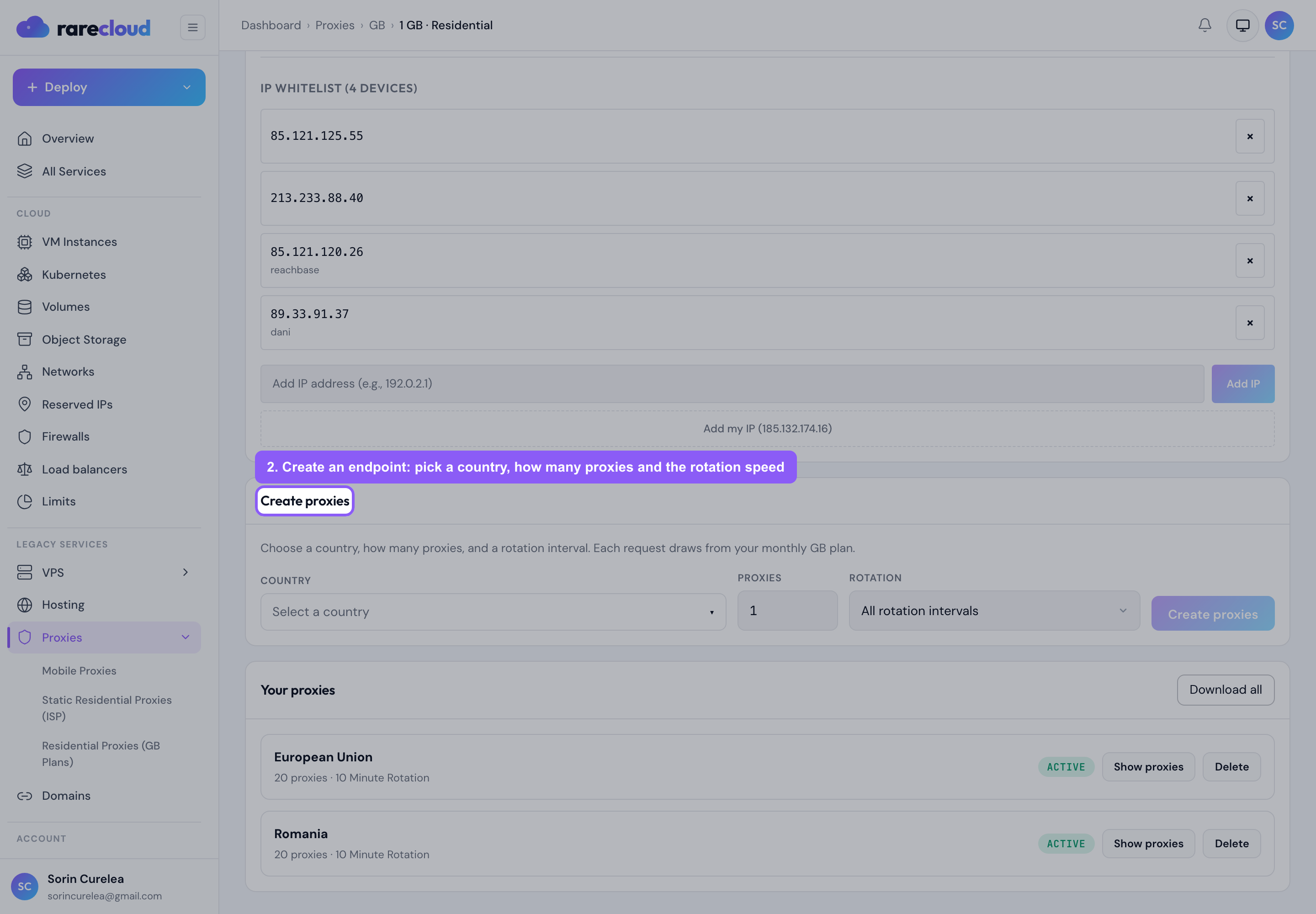
You choose three things:
- Country: where your traffic should appear to come from. You can create as many endpoint groups as you need, one per country.
- How many proxies: how many addresses that group hands you. More proxies means more parallel sessions from the same pool.
- Rotation interval: how often the exit IP changes. Use a short interval for scraping, where every request should look independent, and a longer one for sessions that must survive several pages, such as a login or a checkout flow.
Endpoints generate instantly and cost nothing extra: your plan is billed purely by the traffic you use.
Your endpoints and their proxies
Each group shows its country, its rotation interval and the proxies it produced,
in ip:port:username:password form.
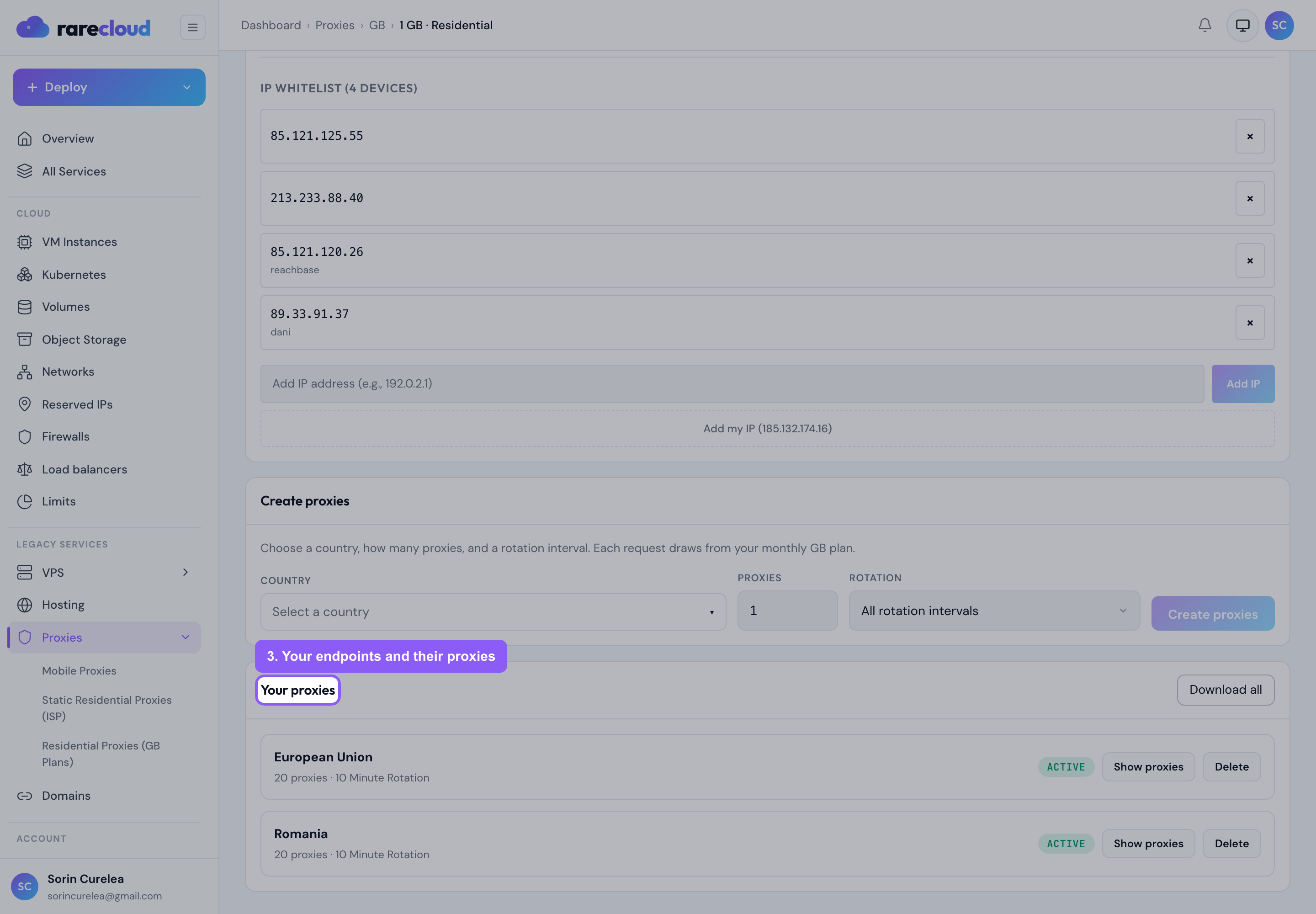
Use the copy button on a row to grab one proxy, or Download list to take the whole group as a text file for your proxy manager or scraper.
Checking that it works
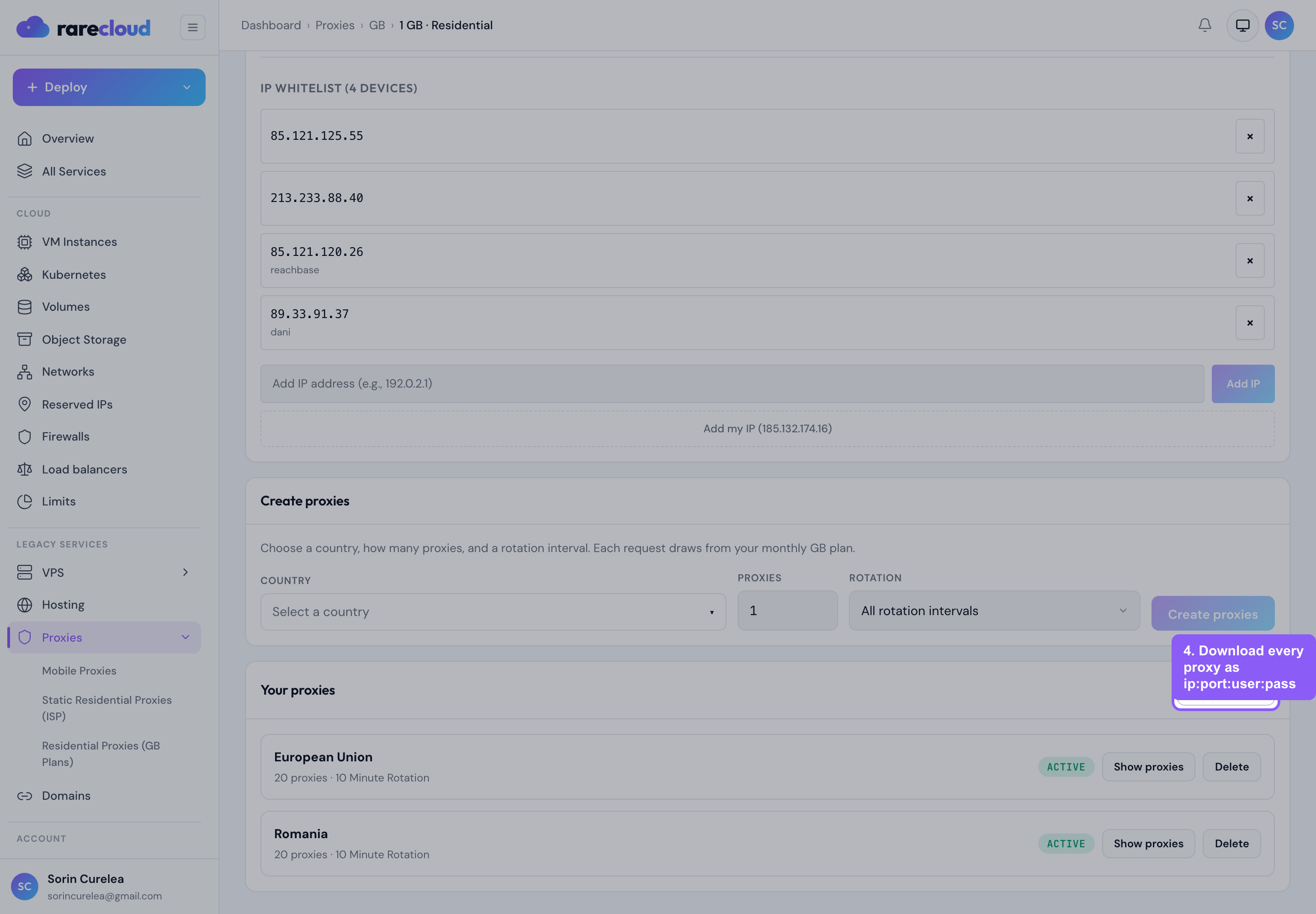
Check now routes a small request through the endpoints and reports what came back: whether they are up, the exit IP, the city and network, and the latency. Since this is a rotating pool, the exit you see is the one you got at that moment, and it changes on the next rotation. That is the product working as intended.
Watching your traffic
The usage card shows what you have bought, what you have used and what is left.
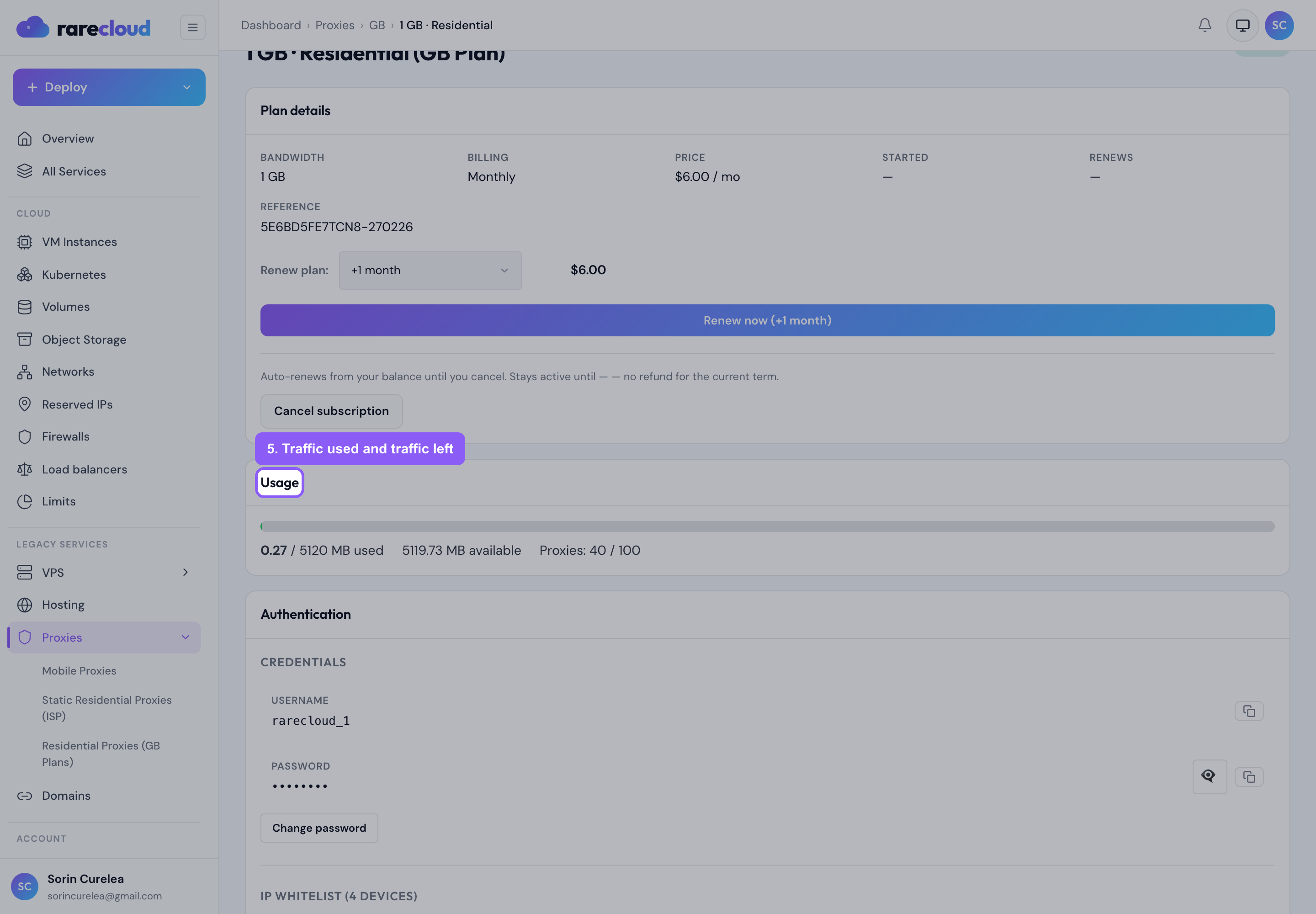
Traffic is counted in both directions, so a page load costs more than the HTML alone. A few habits keep the meter low:
- Block images, fonts and video in your scraper when you only need text.
- Reuse a session for a flow instead of re-fetching the same pages.
- Use a longer rotation interval for multi-step flows: fewer handshakes, less overhead.
When a plan runs out of traffic it stops serving requests. Top up your balance and order more GB, or enable pay-as-you-go so the pool keeps working and you are billed for what you use.
Removing an endpoint
You can retire a group you no longer need; the proxies in it stop working immediately. Retired groups are hidden from the list, so what you see is always what is live.
Quick troubleshooting
The proxy refuses to connect. Set your tool's proxy type to HTTP or HTTPS. A GB endpoint does not answer SOCKS5 requests, and this is by far the most common cause of "it does not work".
The IP changes between requests. That is the point of a rotating pool. If you need the address to hold for a whole flow, create an endpoint with a longer rotation interval, or use a Static Residential (ISP) proxy, which never rotates.
A site sees the wrong country. Make sure your tool resolves DNS through the
proxy rather than locally. In curl that is the difference between --proxy and
using a socks5h-style hostname resolution; in most software it is a checkbox
labelled "proxy DNS" or "remote DNS".
Still stuck? Reply to any of our emails or open a ticket from the client area with the endpoint and the exact error, and we will test the same proxy from our own infrastructure and tell you what we measure.